
Description
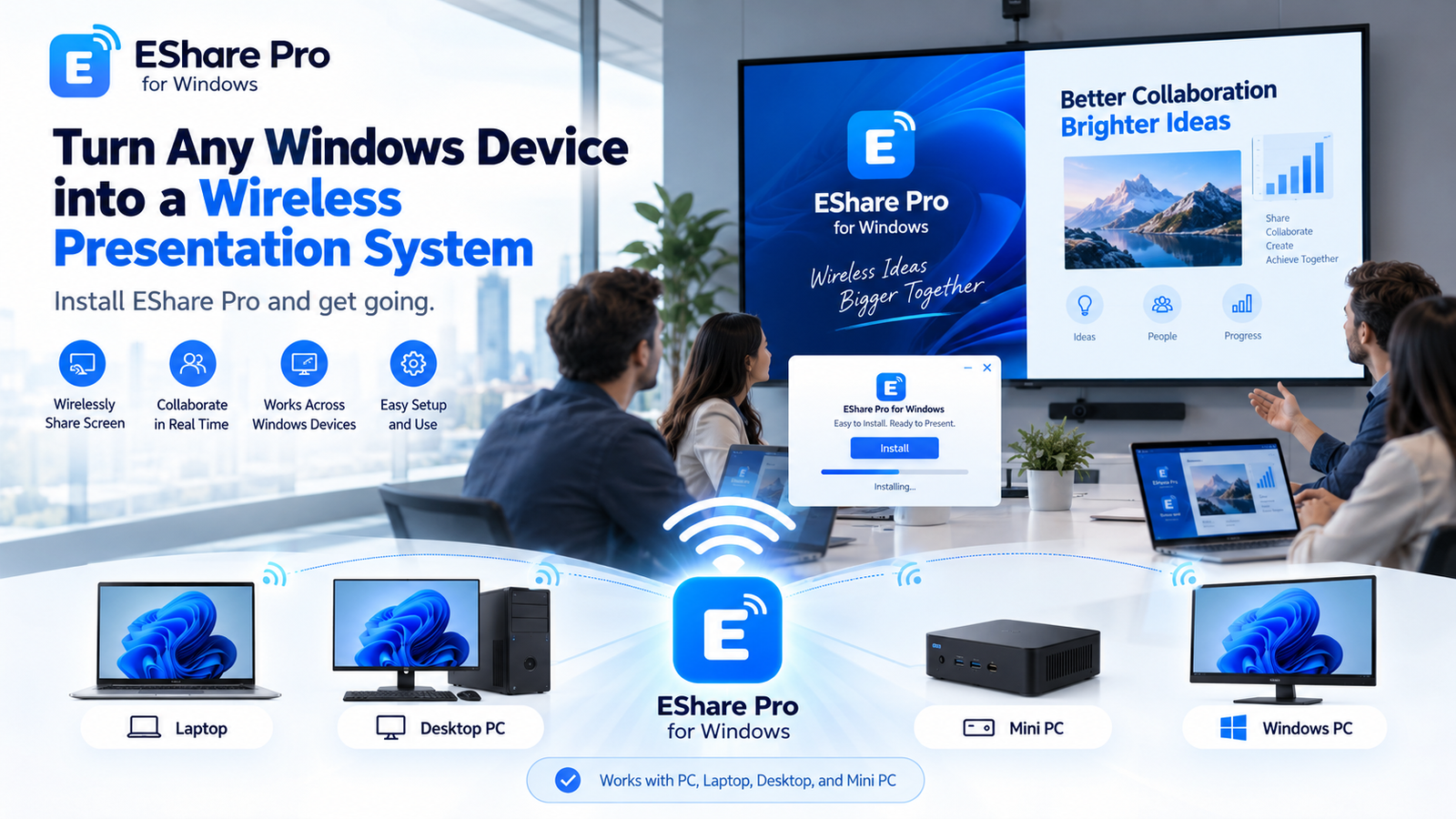
EShare Pro for Windows – Turn Any Windows PC into a Wireless Presentation System
Your Existing PC. Your New Wireless Presentation System.
Why invest in expensive wireless presentation hardware when your existing Windows computer can do the job?
With EShare Pro for Windows, transform a compatible Windows PC, laptop, desktop, or Mini PC into a powerful wireless presentation receiver.
Simply install EShare Pro, activate your license, connect your computer to a display, and start sharing presentations, documents, videos, and other screen content wirelessly from supported devices.
Why Choose EShare Pro?
- No Dedicated Receiver Hardware Required – Use your existing Windows computer instead of purchasing a separate wireless presentation receiver.
- Works with Windows Devices – Ideal for compatible laptops, desktop computers, and Mini PCs.
- Wireless Screen Sharing – Present content without repeatedly connecting HDMI cables.
- Easy Installation – Install, configure, and start presenting.
- Professional Meeting Rooms – Ideal for conference rooms, boardrooms, classrooms, training centres, and collaborative workspaces.
- Cost-Effective Upgrade – Make better use of your existing IT infrastructure.
How It Works
Step 1: Install EShare Pro on your Windows PC, laptop, desktop, or Mini PC.
Step 2: Connect that Windows device to your meeting-room TV, projector, or interactive display.
Step 3: Configure EShare Pro and activate the appropriate software license.
Step 4: Connect a supported device and start presenting wirelessly.
Make Every Meeting Wireless
Whether you’re upgrading an existing conference room or building a new collaboration space, EShare Pro helps simplify screen sharing while making better use of your current Windows hardware.
Install EShare Pro. Connect. Share. Present.
Wireless sharing capabilities and device compatibility depend on the EShare Pro software version, license, network configuration, and supported protocols.
Reviews
There are no reviews yet.